DEPLOYMENT PROTOCOL (INSTALLATION)
DEPLOYMENT PROTOCOL (INSTALLATION)
SYSTEM ALERT:
This unit contains a Raw Architecture File (.apk). It is designed for direct injection into the Wear OS environment.
>> NOT COMPATIBLE with Apple Watch.
// INSTALLATION PROTOCOL
We recommend the "Bridge Method" for the cleanest installation.
STEP 1: ACQUIRE THE BRIDGE
On your Android Phone, download the free utility app "GeminiMan WearOS Manager" from the Google Play Store.
STEP 2: PREPARE THE WATCH (CRITICAL)
1. On your Watch, go to Settings > System > Software Info.
2. Tap "Software Version" 7 times until it says "Developer Mode Turned On."
3. Go back to Settings > Developer Options.
4. Enable "Wireless Debugging."
5. IMPORTANT: Tap the text "Wireless Debugging" and select "Pair New Device."
>> Leave this screen open to see your Pairing Code.
STEP 3: CONNECT
1. Open GeminiMan on your phone.
2. Tap "Wireless Debugging" > "Pair New Device."
3. Enter the Code and Port Number shown on your watch.
STEP 4: INJECT SIGNAL
1. In GeminiMan, tap "Install APK."
2. Select the CRZA .apk file included in this folder.
3. The system will transfer the file.
STEP 5: ACTIVATE
Long-press your watch face, scroll right to "Add New," and select your new CRZA unit.
// SUPPORT
Signal interrupted? Contact Command: info@crzavisuallabs.com
CRZA VISUAL LABS
Flowing Afridred
Flowing Afridred
Couldn't load pickup availability
SAMURAI PROTOCOL // ARTIST SERIES
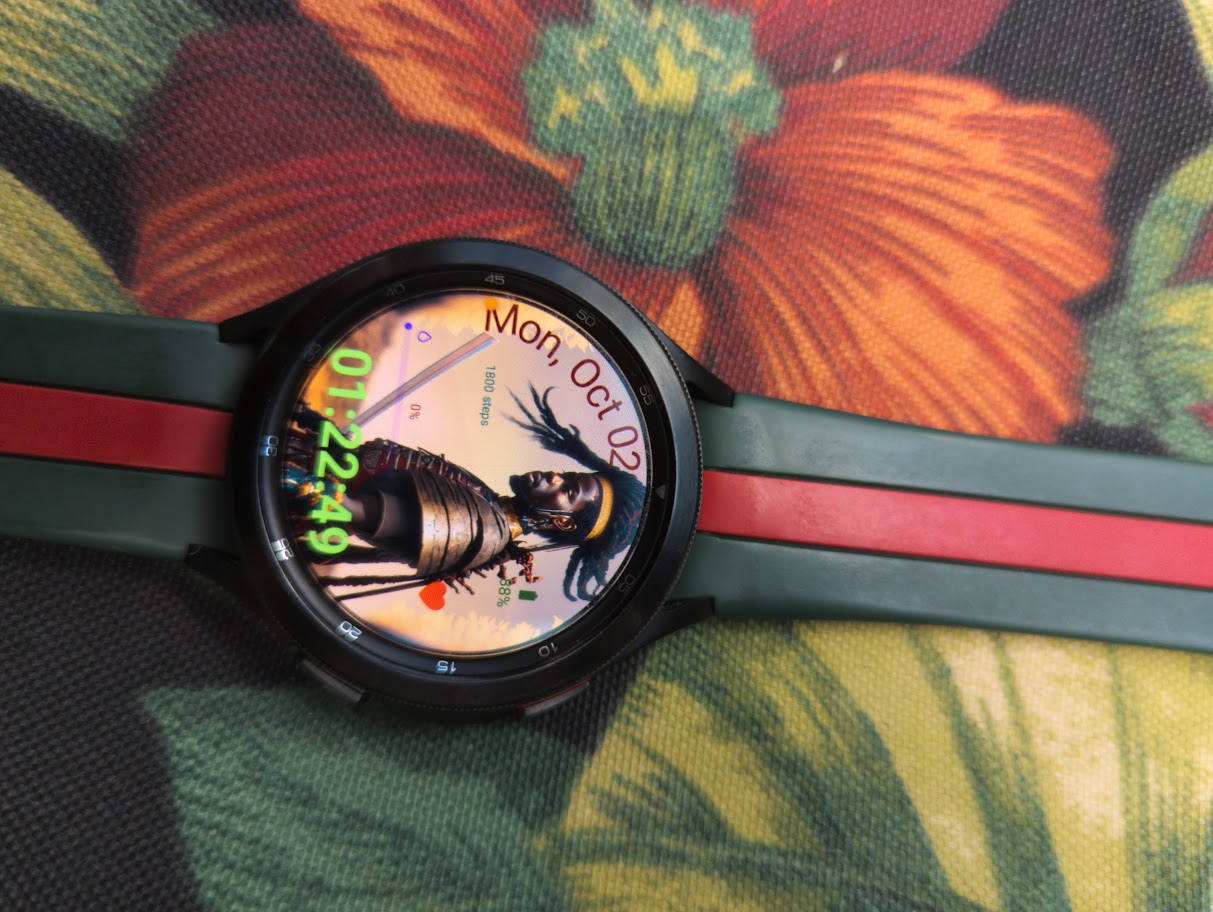
THE SIGNAL: FLUIDITY IS STRENGTH. TThe Flowing Protocol captures the dynamic motion of the crown. It rejects rigidity, visualizing the freedom and weight of natural hair in the wind. This unit is for those who move through life with an effortless, undeniable current.
Visual Architecture:
-
Style: Hyper-Realism / Motion Capture.
-
Texture: High-Fidelity Hair Rendering.
The Closing:
Designed by EZY x CRZA VISUAL LABS. Visualize the Code.
Share